Перейти к содержанию
View in the app

A better way to browse. Learn more.

Asterios

A full-screen app on your home screen with push notifications, badges and more.

To install this app on iOS and iPadOS
  1. Tap the Share icon in Safari
  2. Scroll the menu and tap Add to Home Screen.
  3. Tap Add in the top-right corner.
To install this app on Android
  1. Tap the 3-dot menu (⋮) in the top-right corner of the browser.
  2. Tap Add to Home screen or Install app.
  3. Confirm by tapping Install.

GEEKArt

Пользователи
  • Зарегистрирован

  • Посещение

Весь контент GEEKArt

  1. ШК на оценку
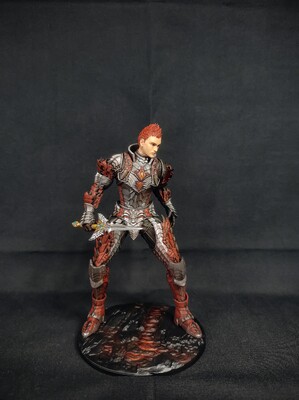
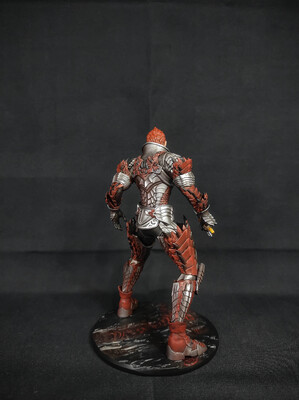
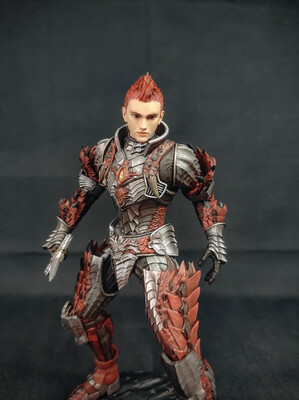
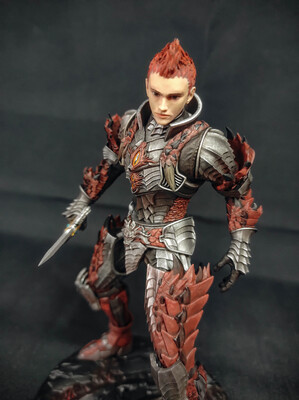
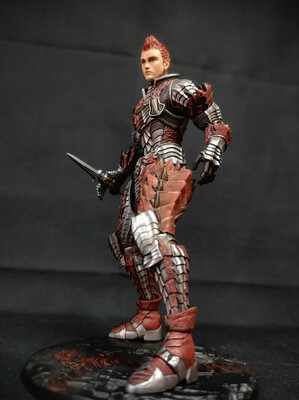
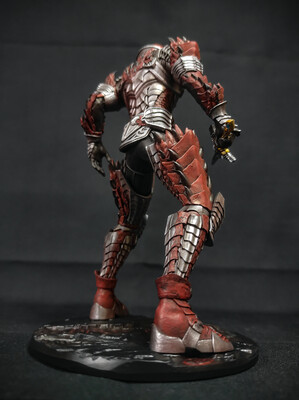
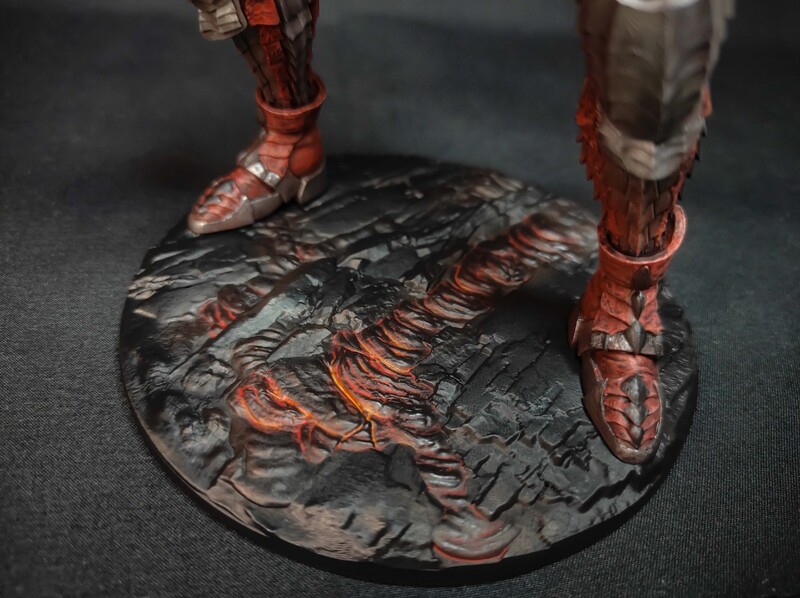
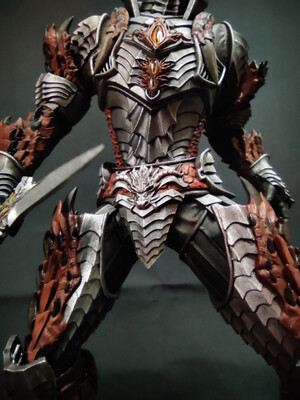
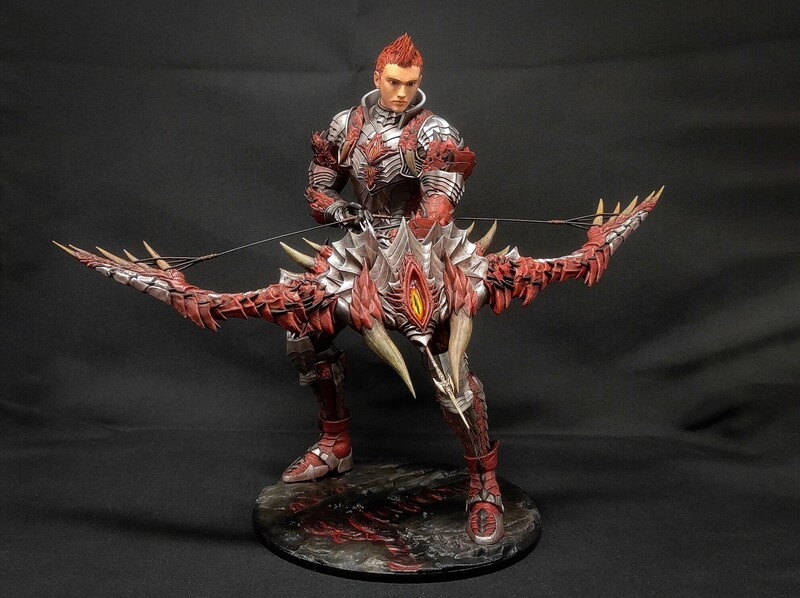
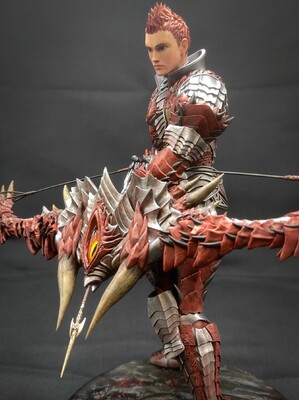
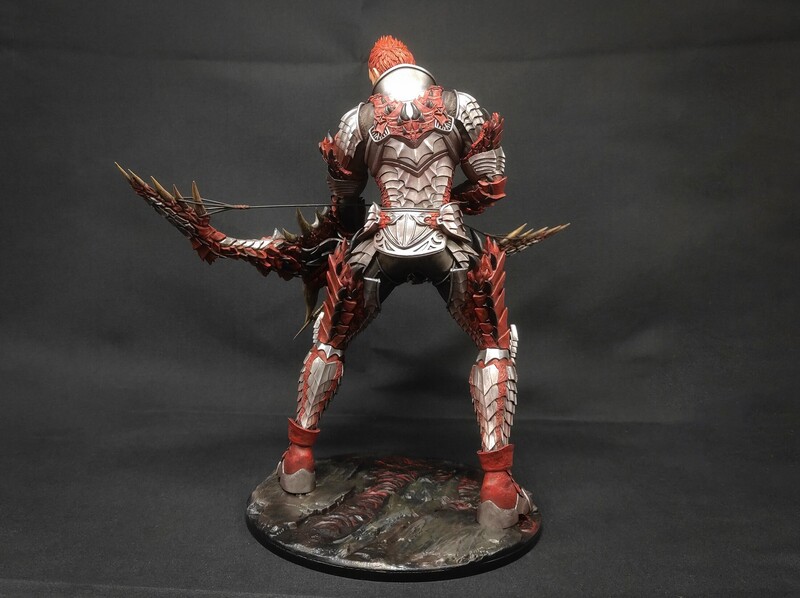
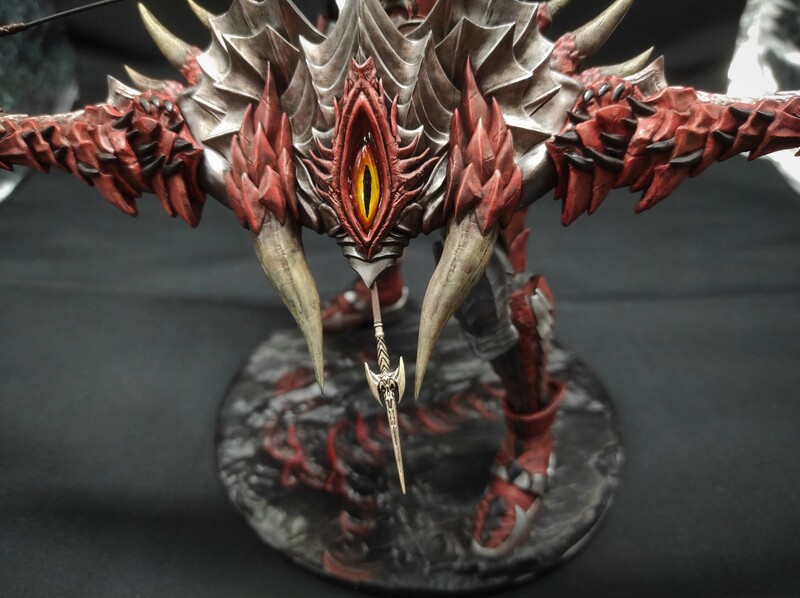
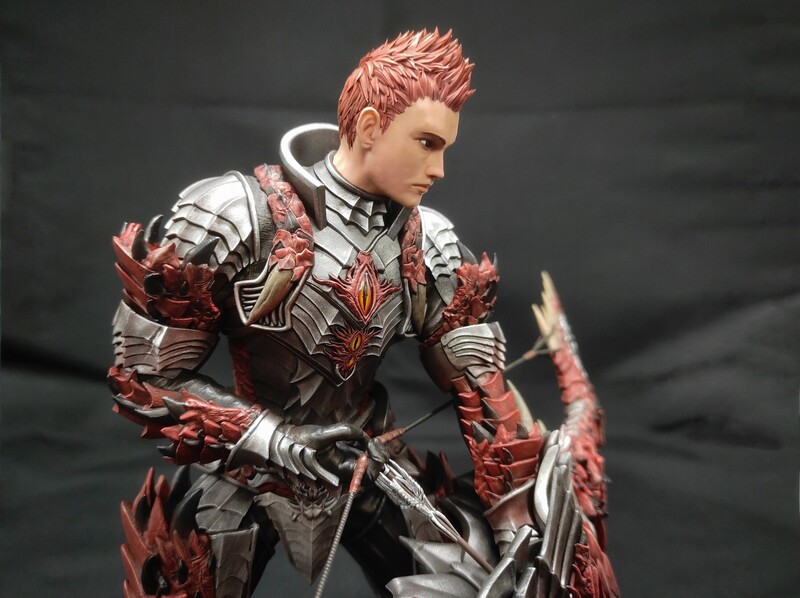
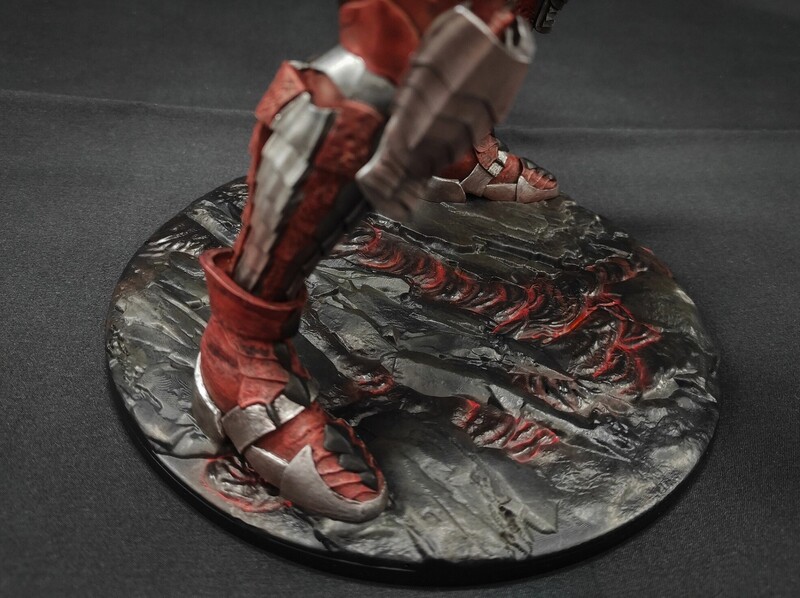
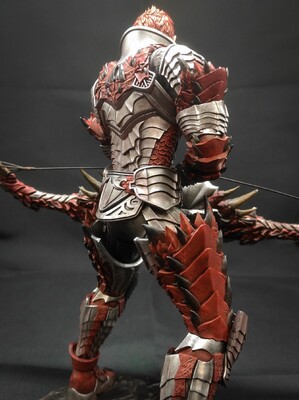
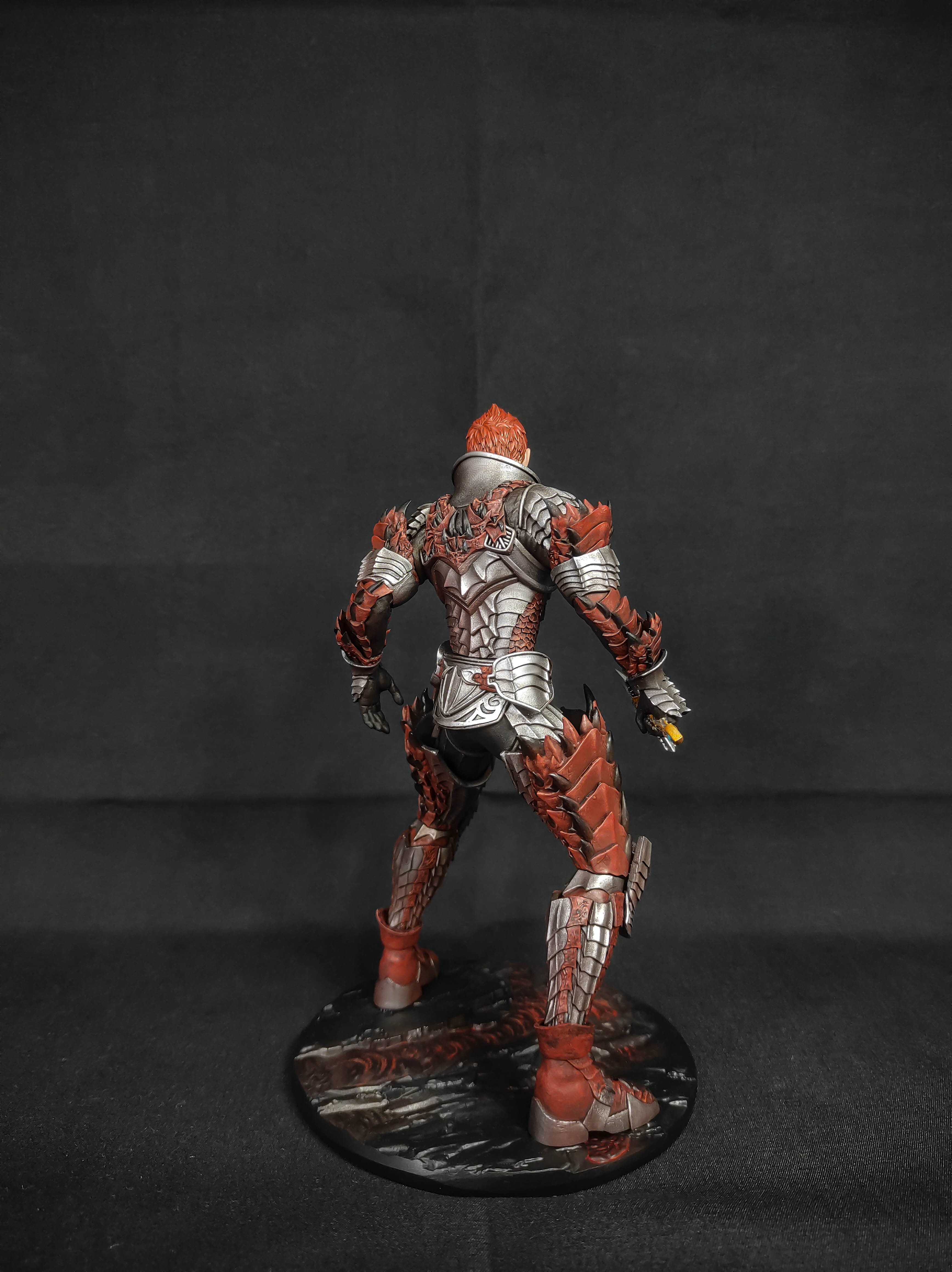
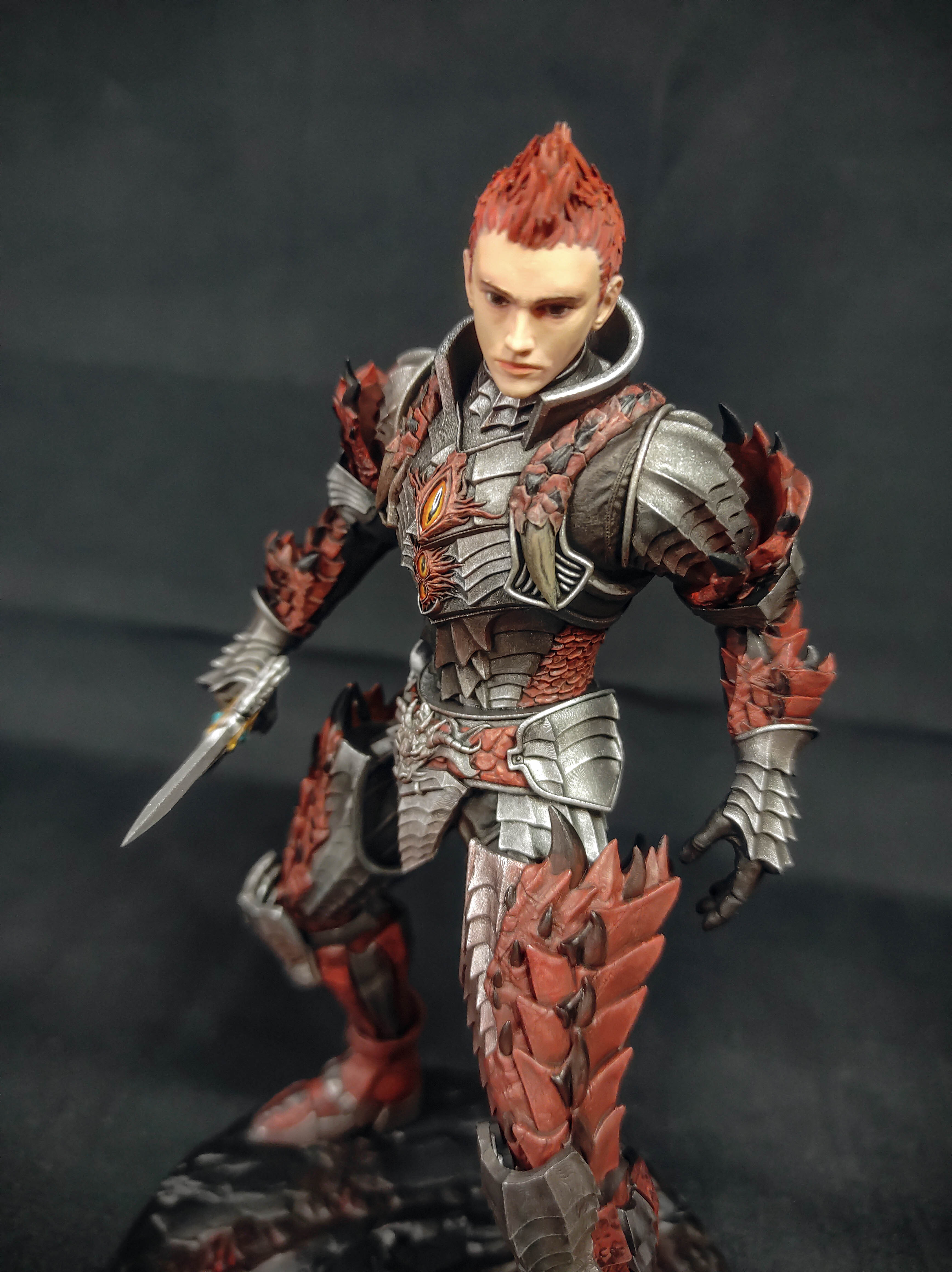
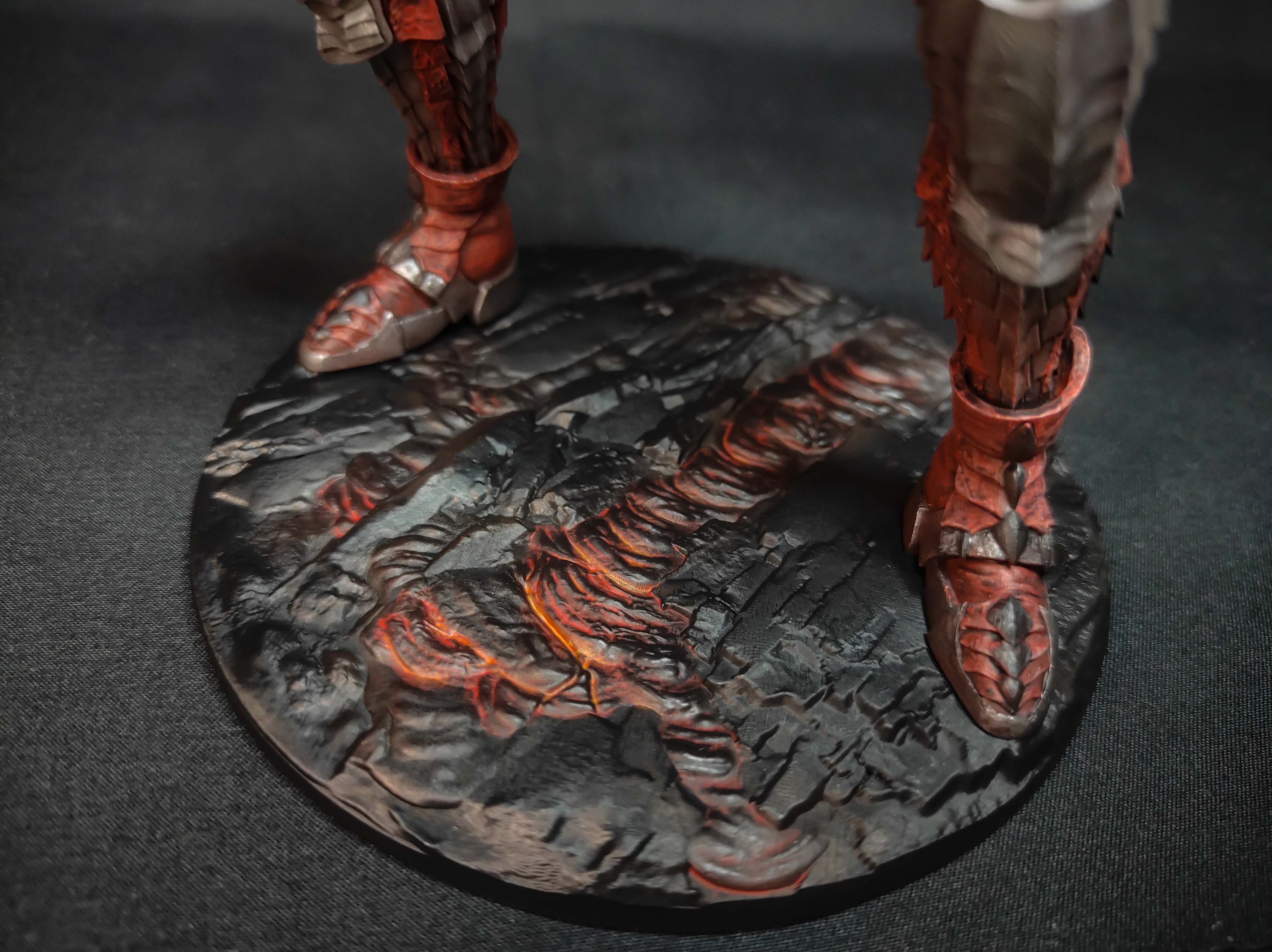
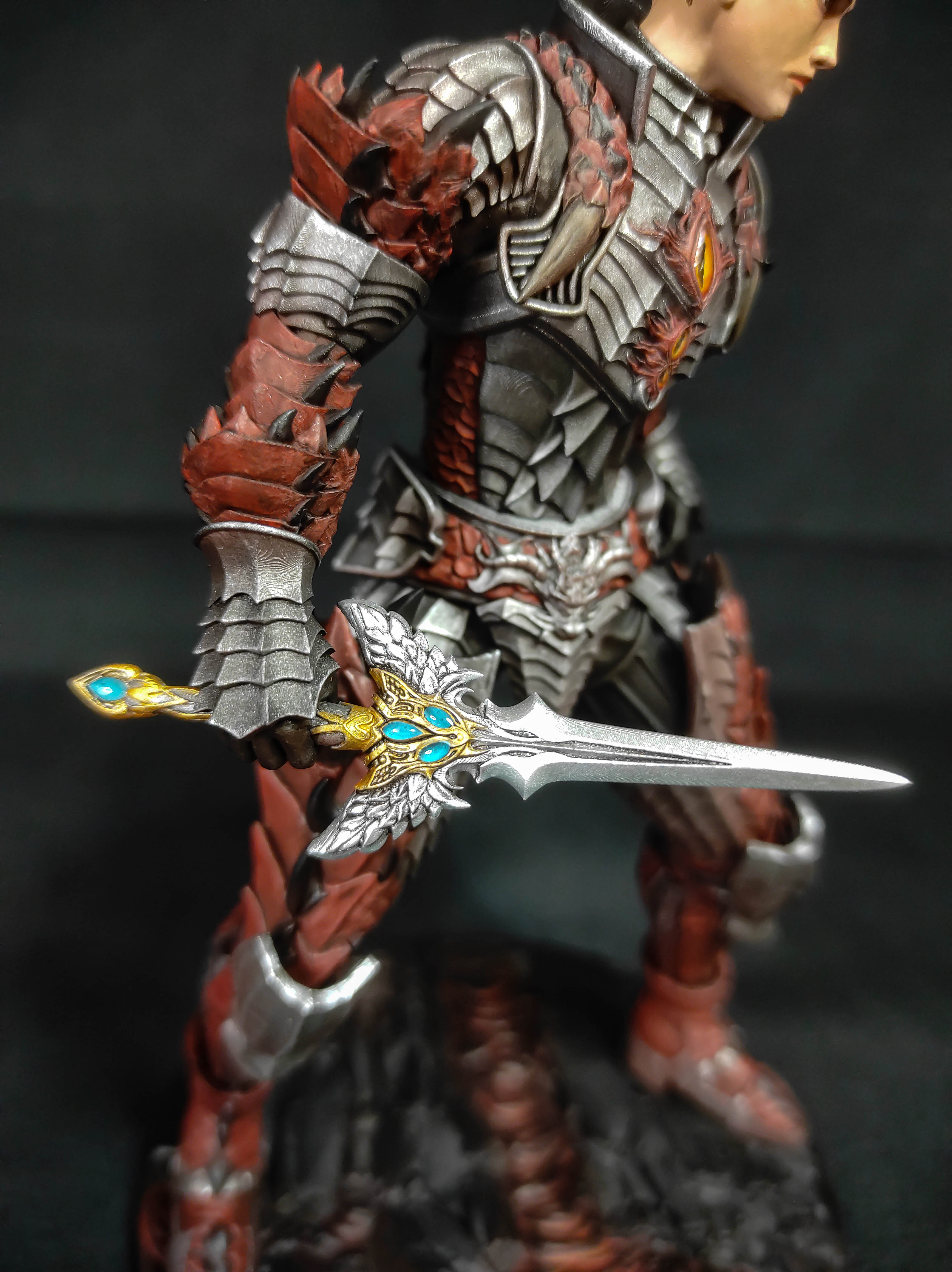
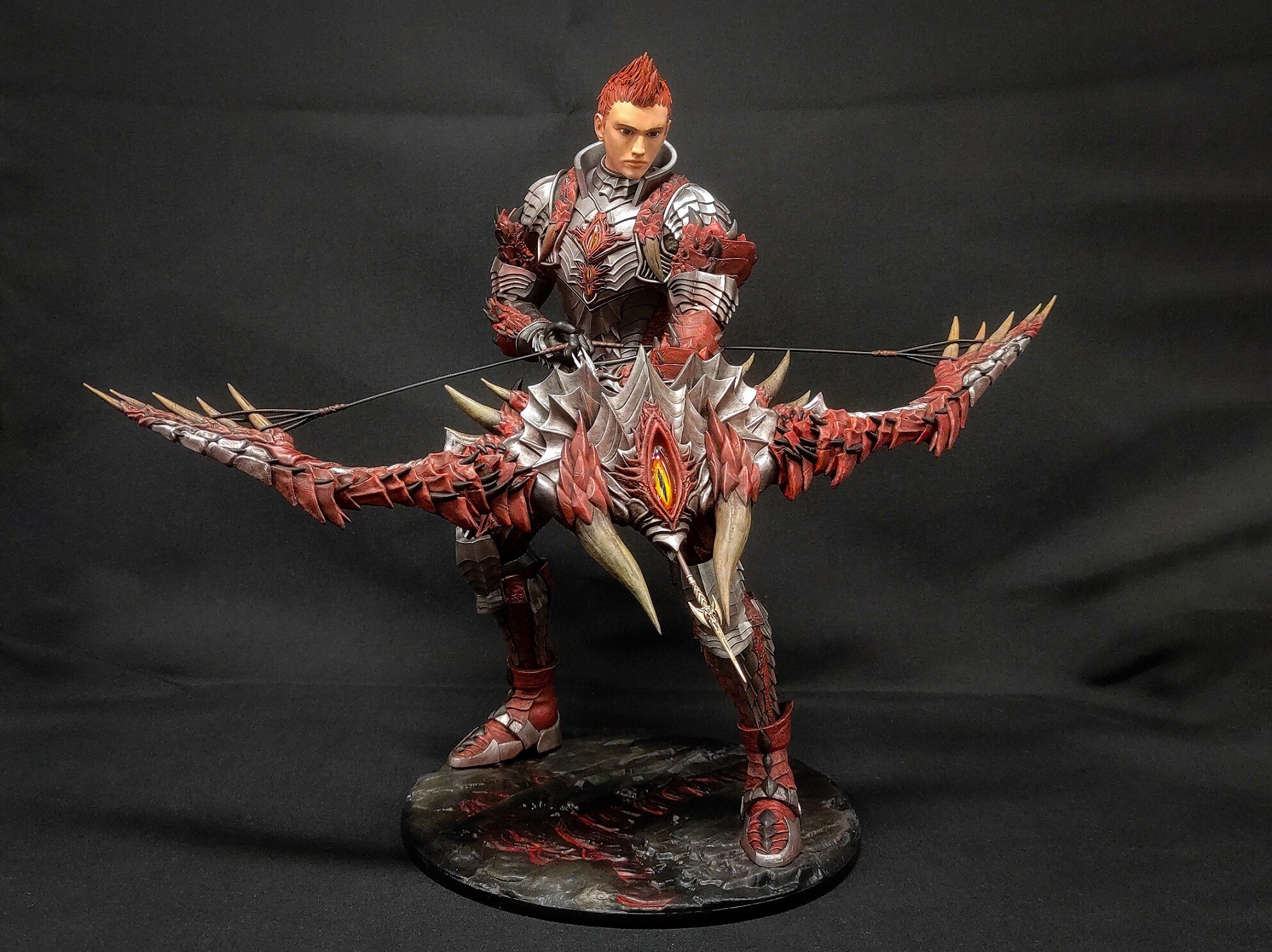
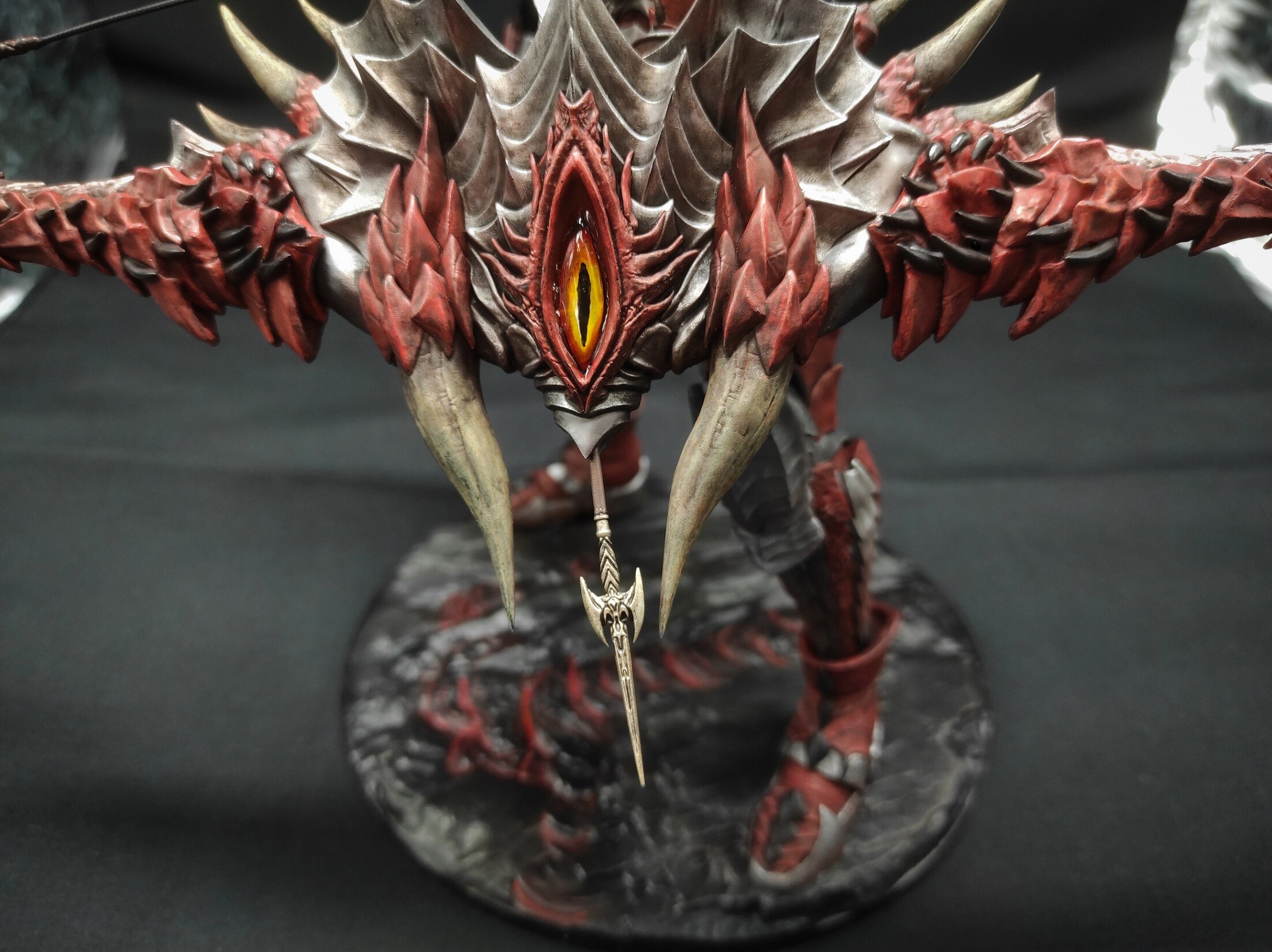
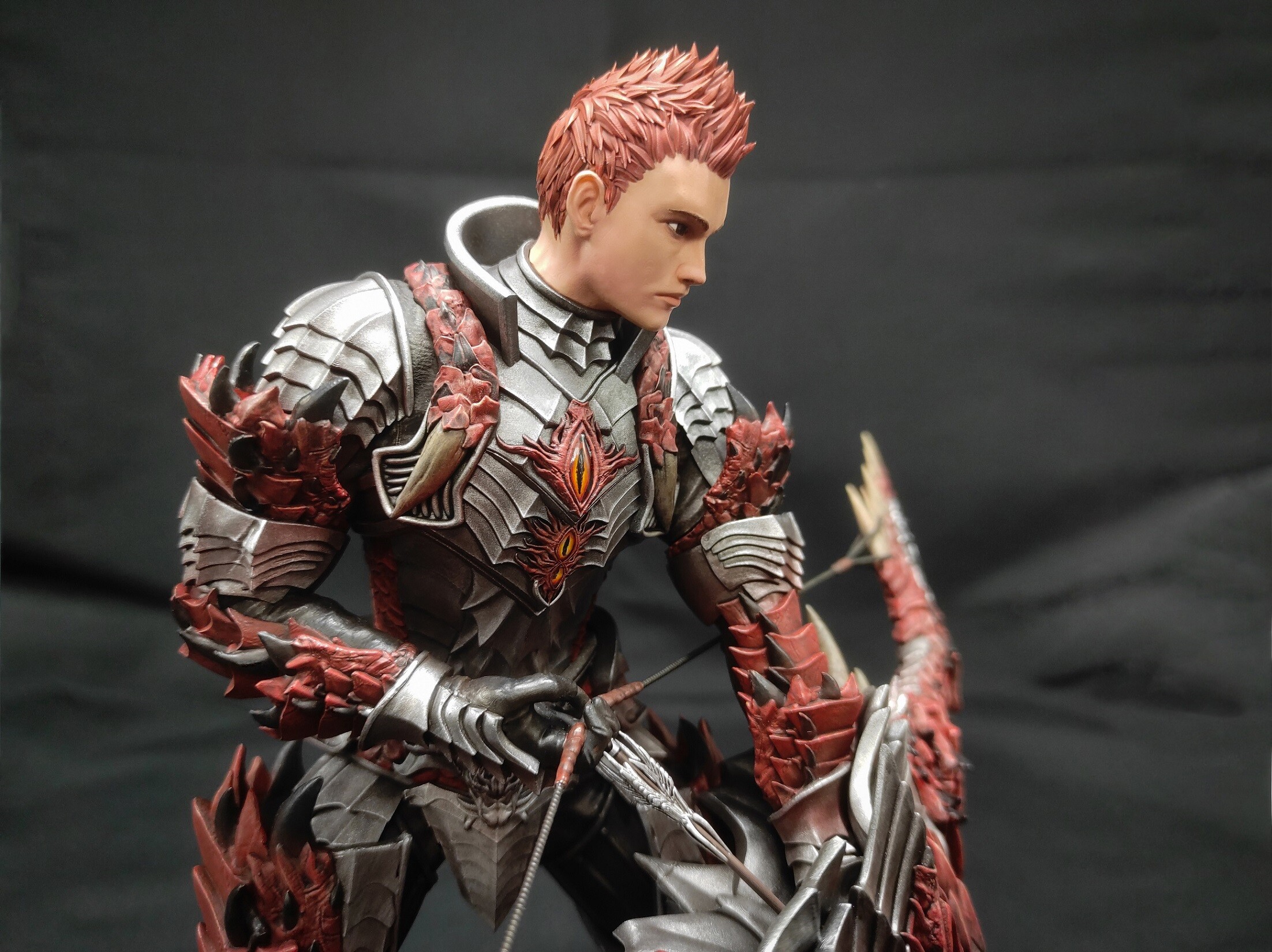
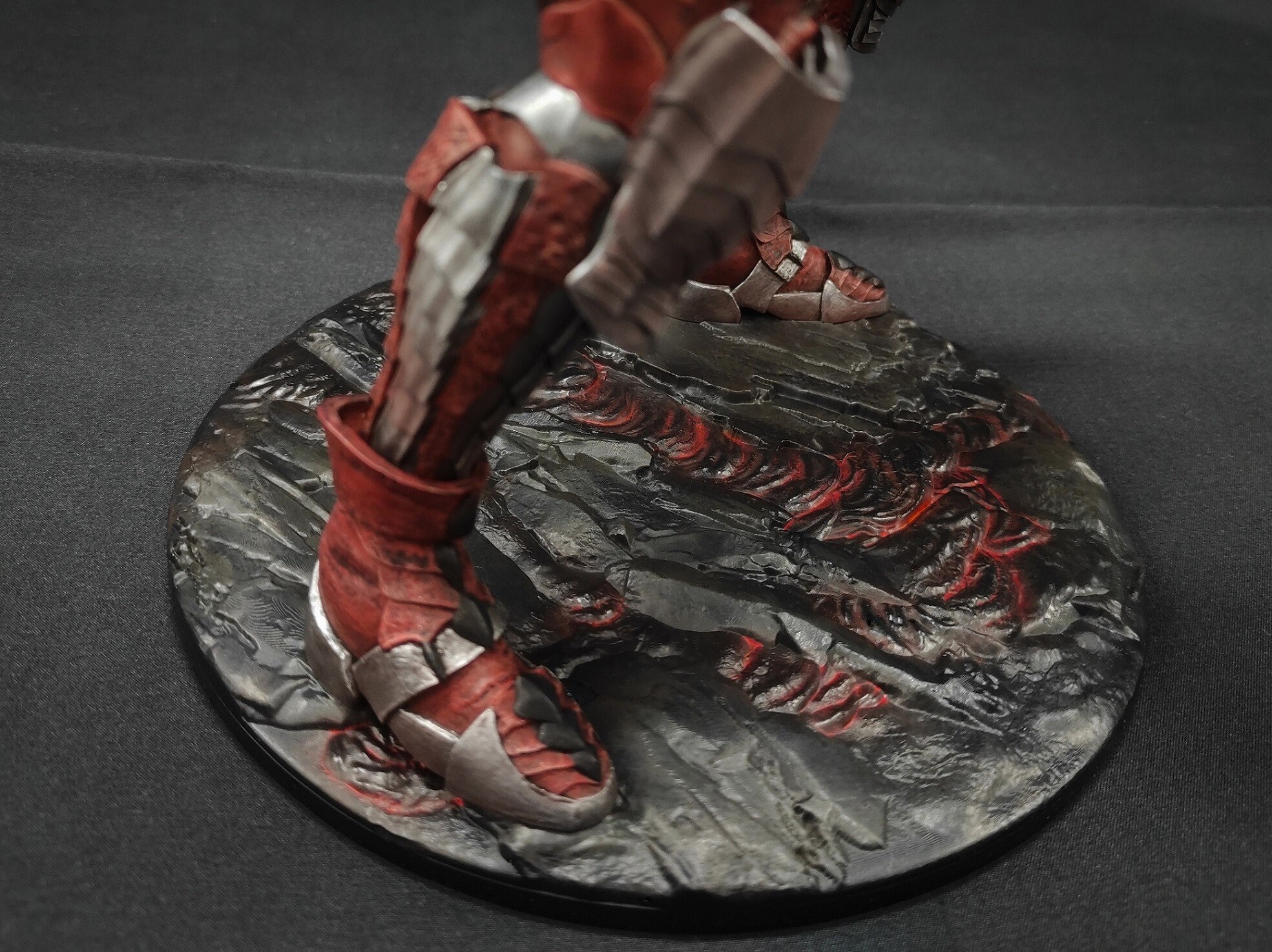
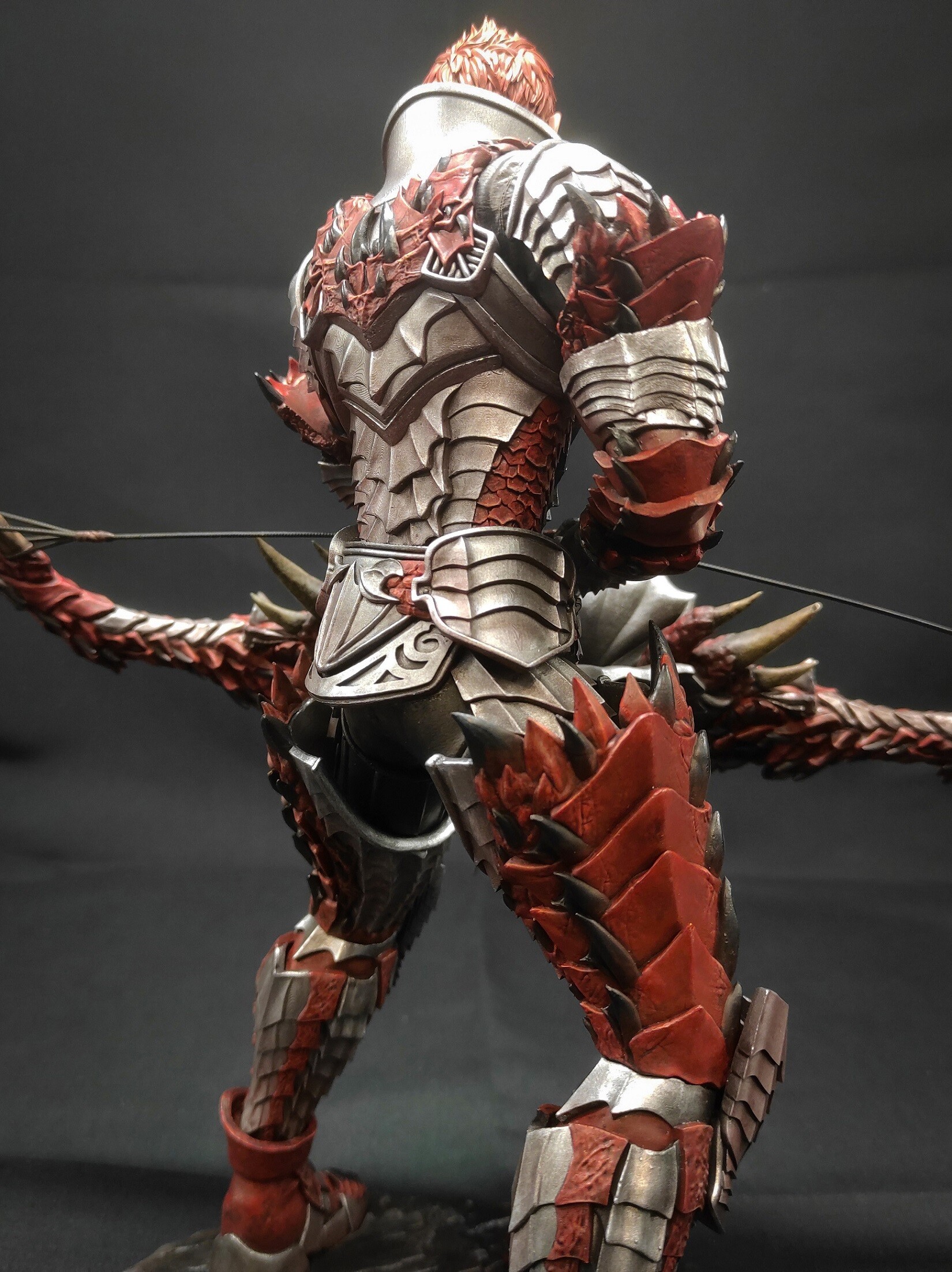
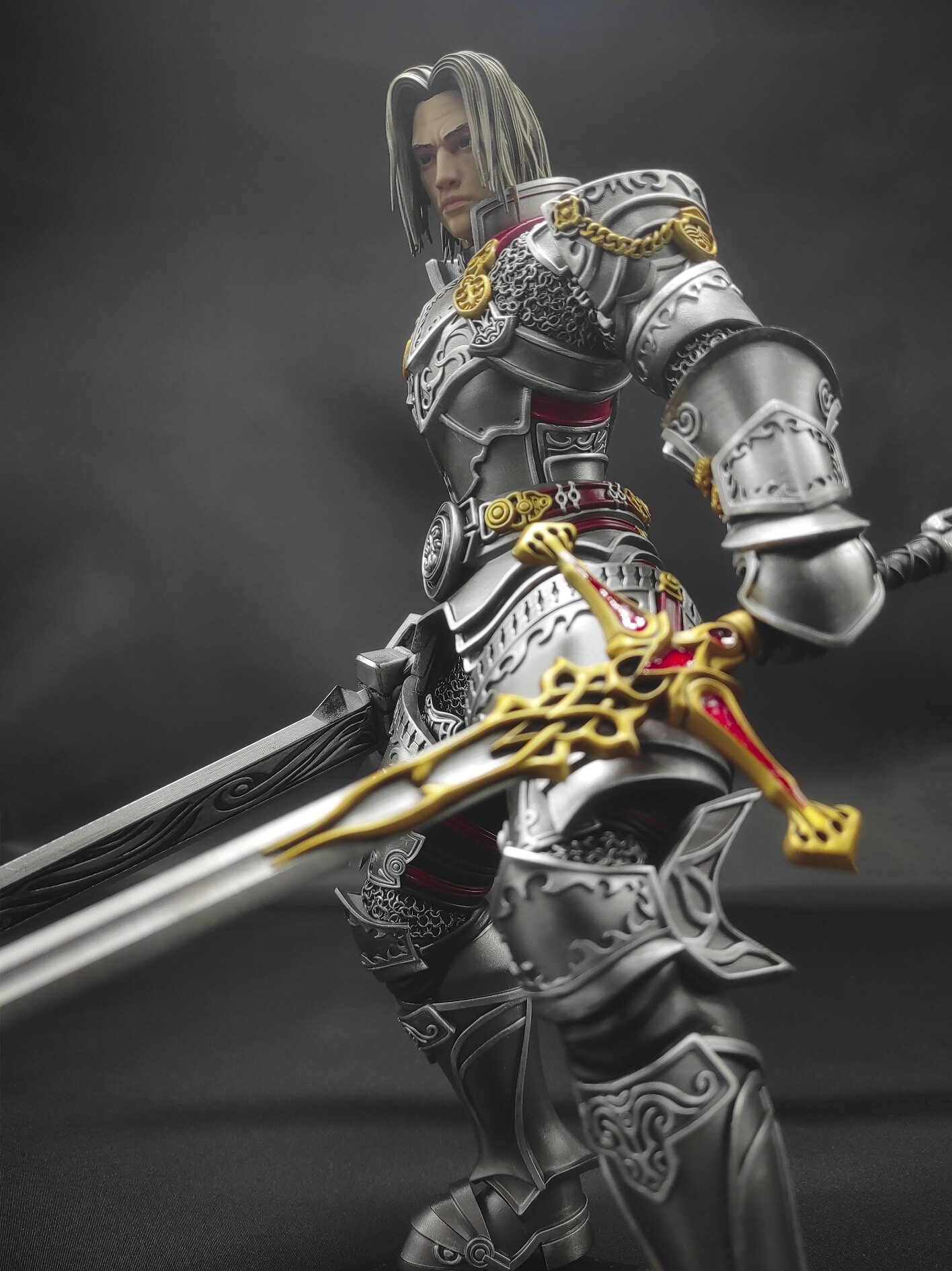
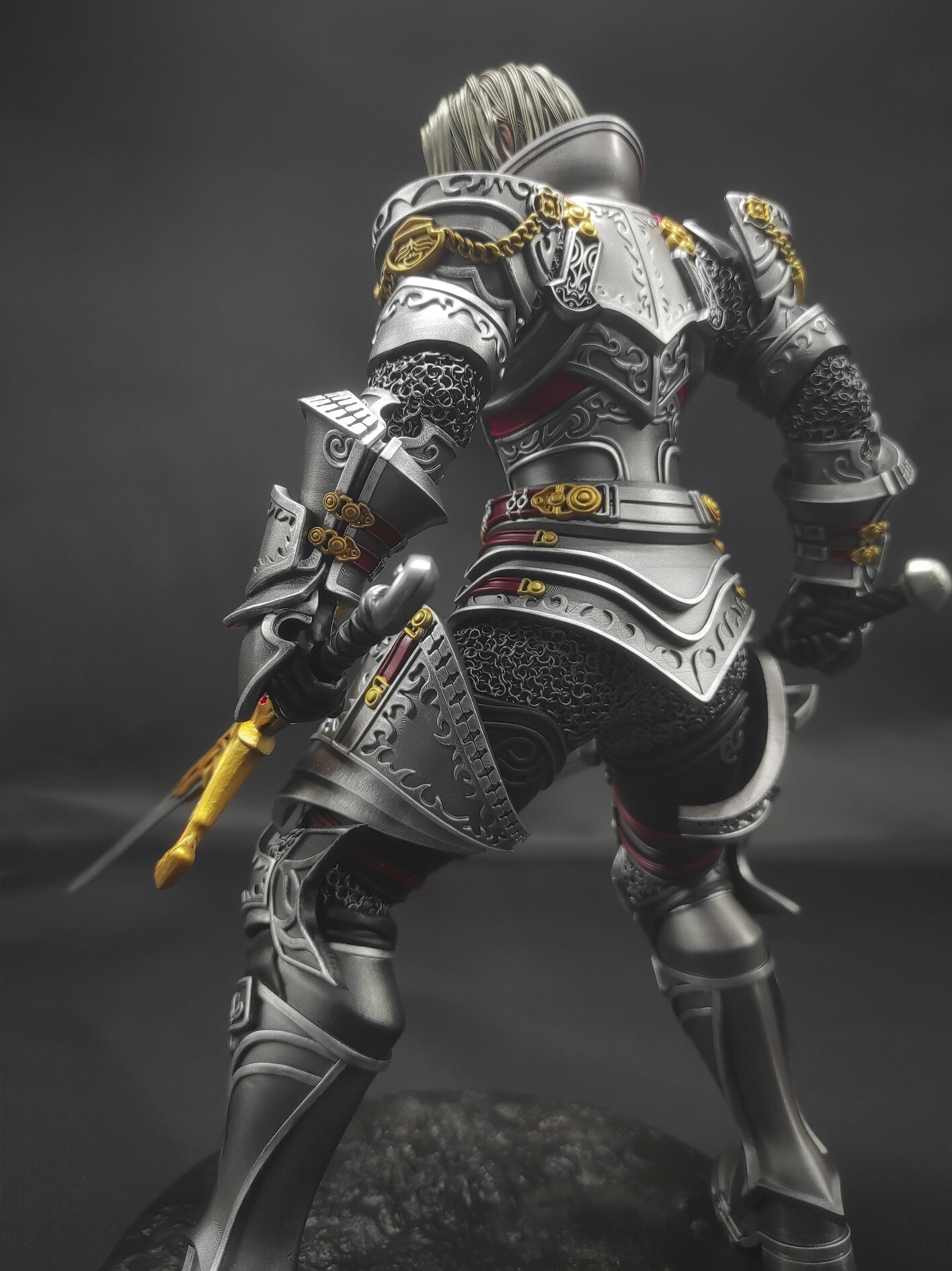
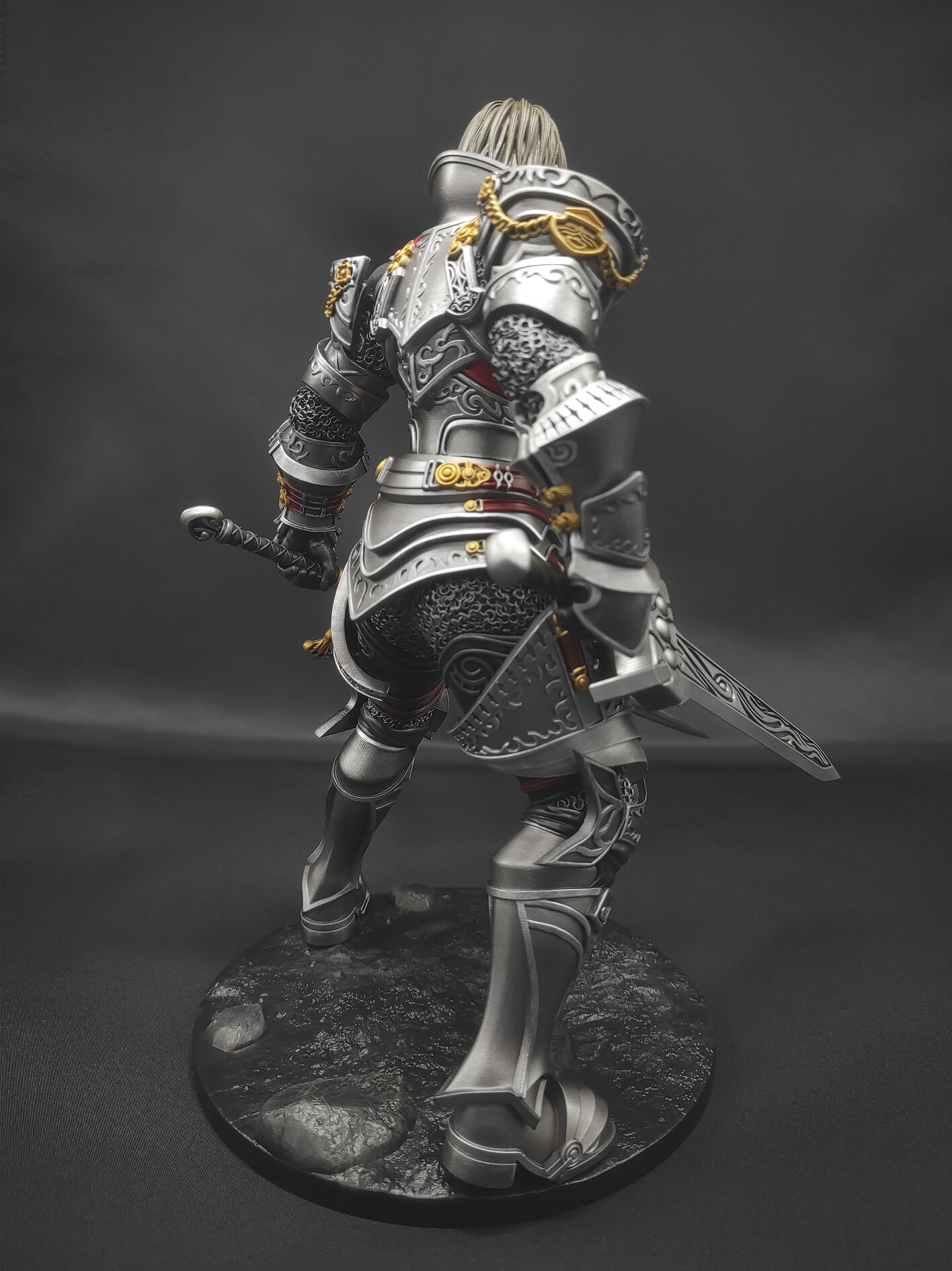
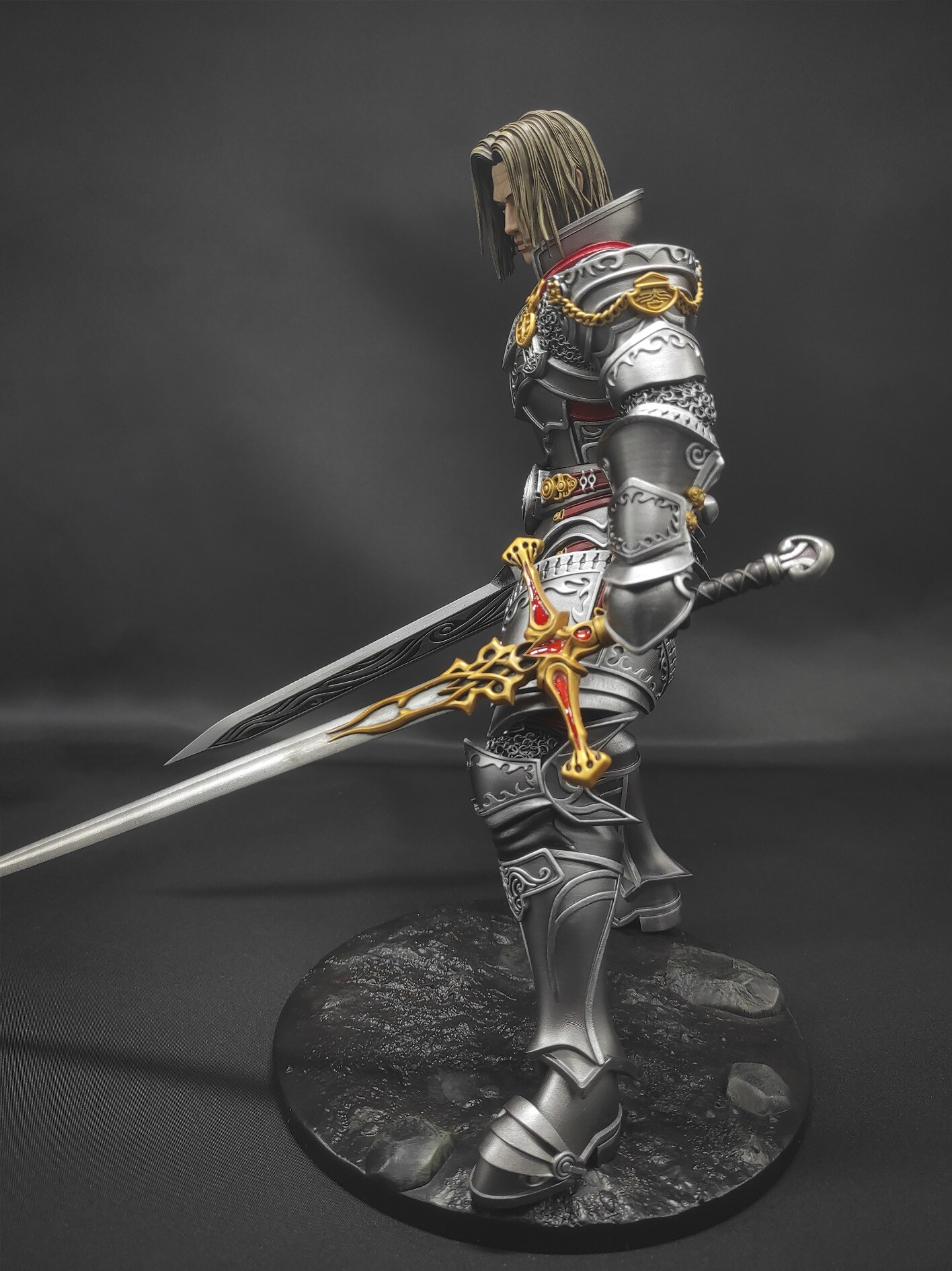
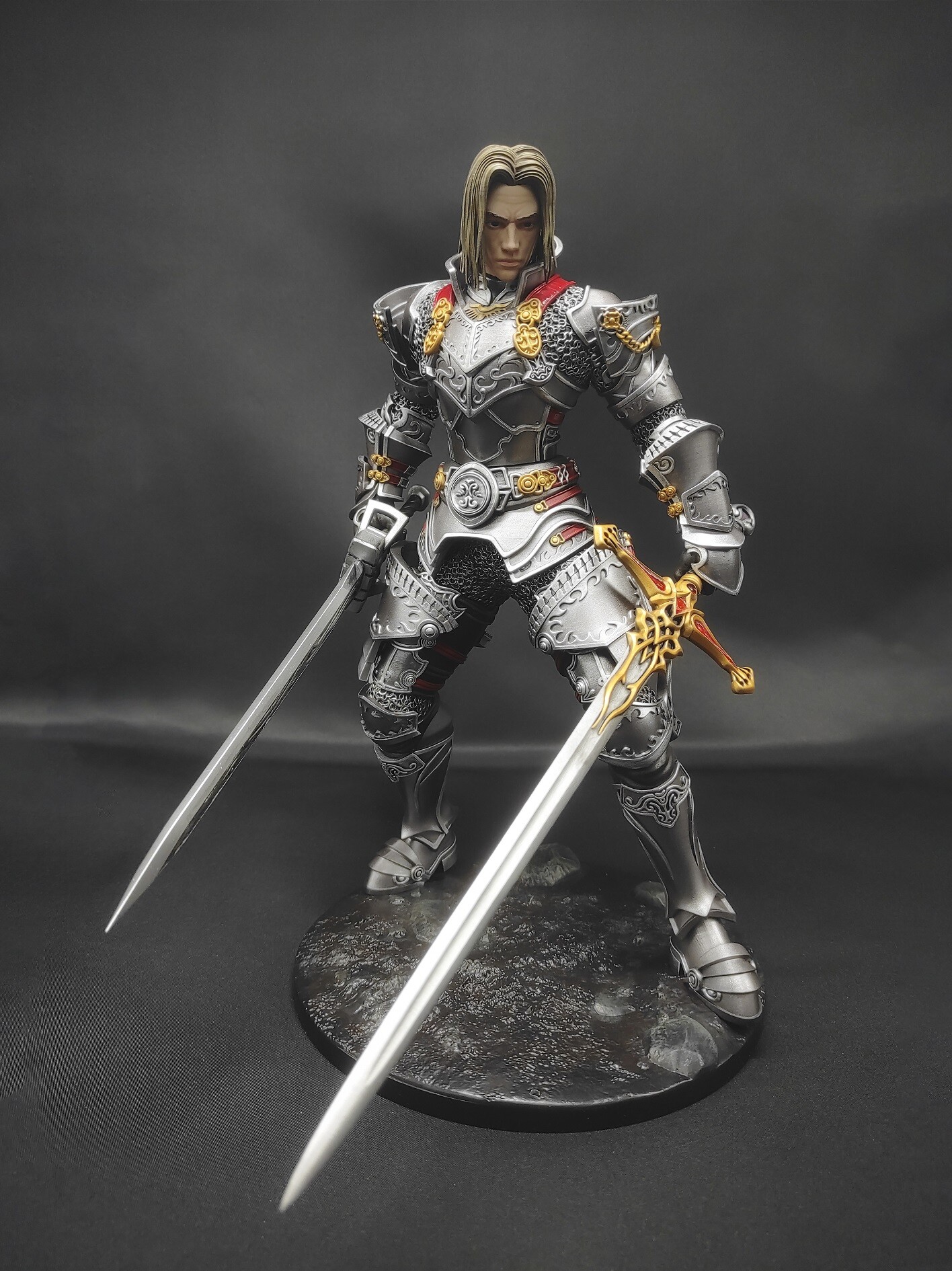
  2. Хехей! я вернулсО И хочу поделиться своей новой работой: Фигурка Дестра в Nightmare Heavy с Dragon Slayer-ом.
  3. кто фейк?)
  4. Вот вам еще и крыса ТыХа с АСом
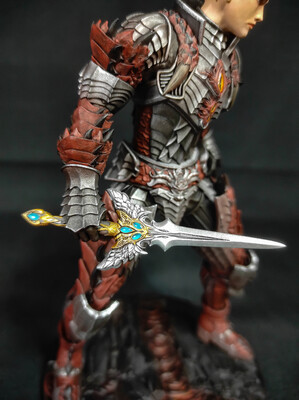
  5. Свечение хиро добавить? и эффект PVP вставки? пасиб) уже
  6. это по канону. Кто играет на хавках, взгляд такой же
  7. Вобщем я вернулся, чтоб похвастаться. За лето я изучил третью профу крафтера и теперь могу делать S грейд))))
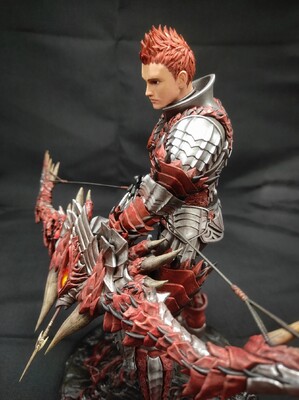
  8. я тут видос запилил. https://youtu.be/DaU8uCJwqv8
  9. Пыш пыш пыш...
  10. Пасиб))
  11. GEEKArt опубликовал тема в Флейм
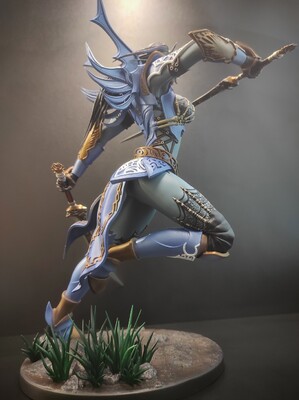
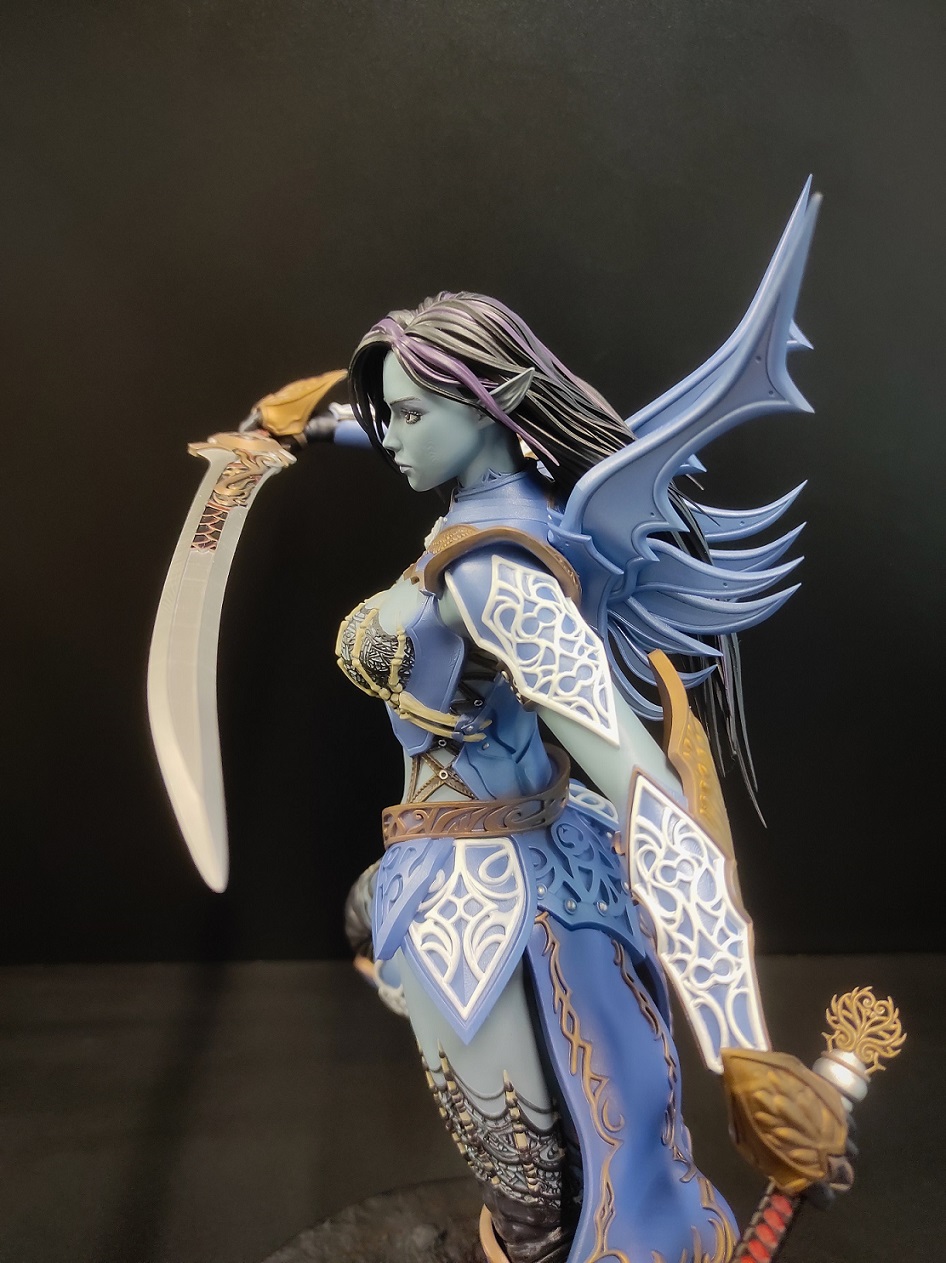
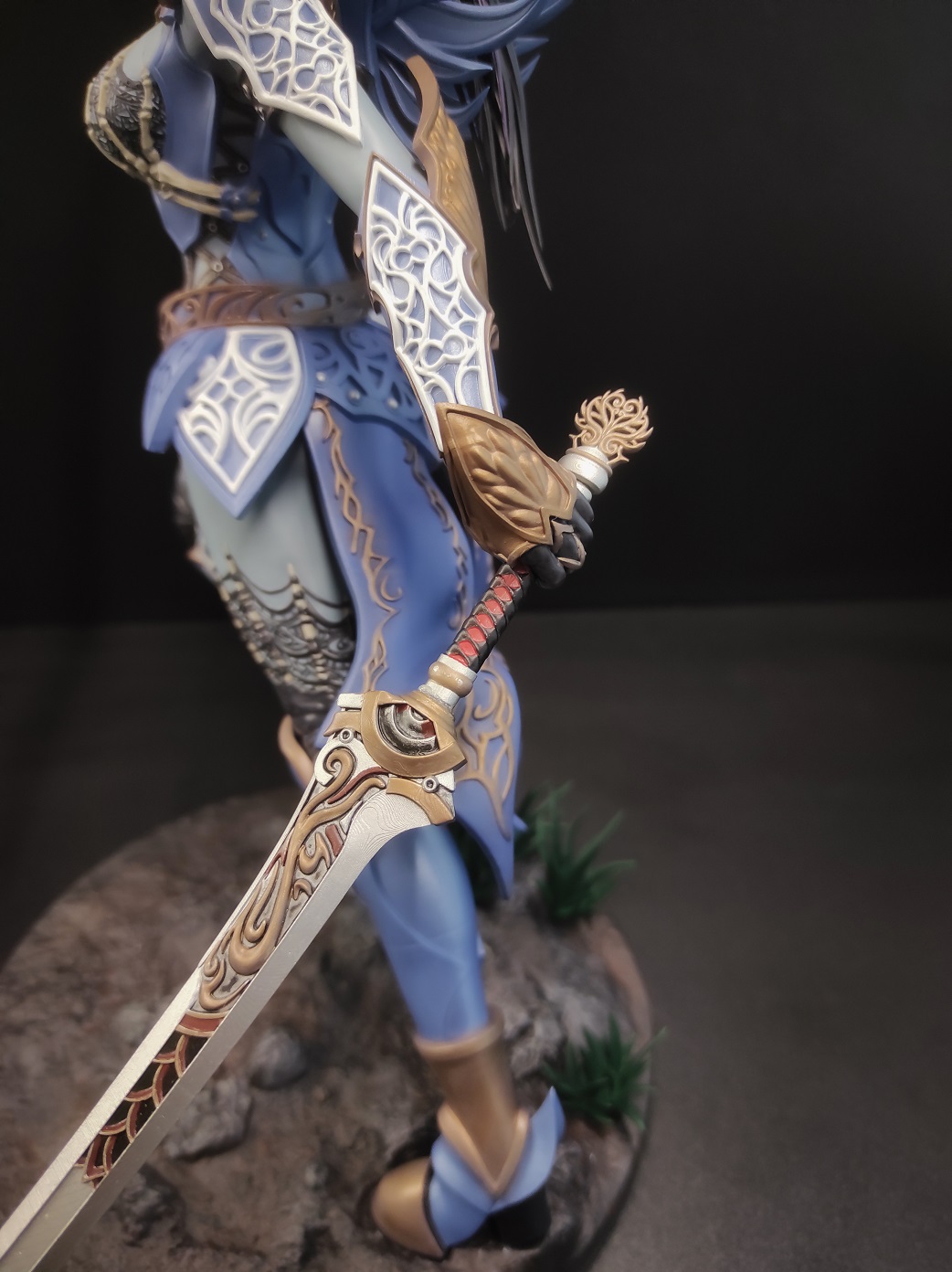
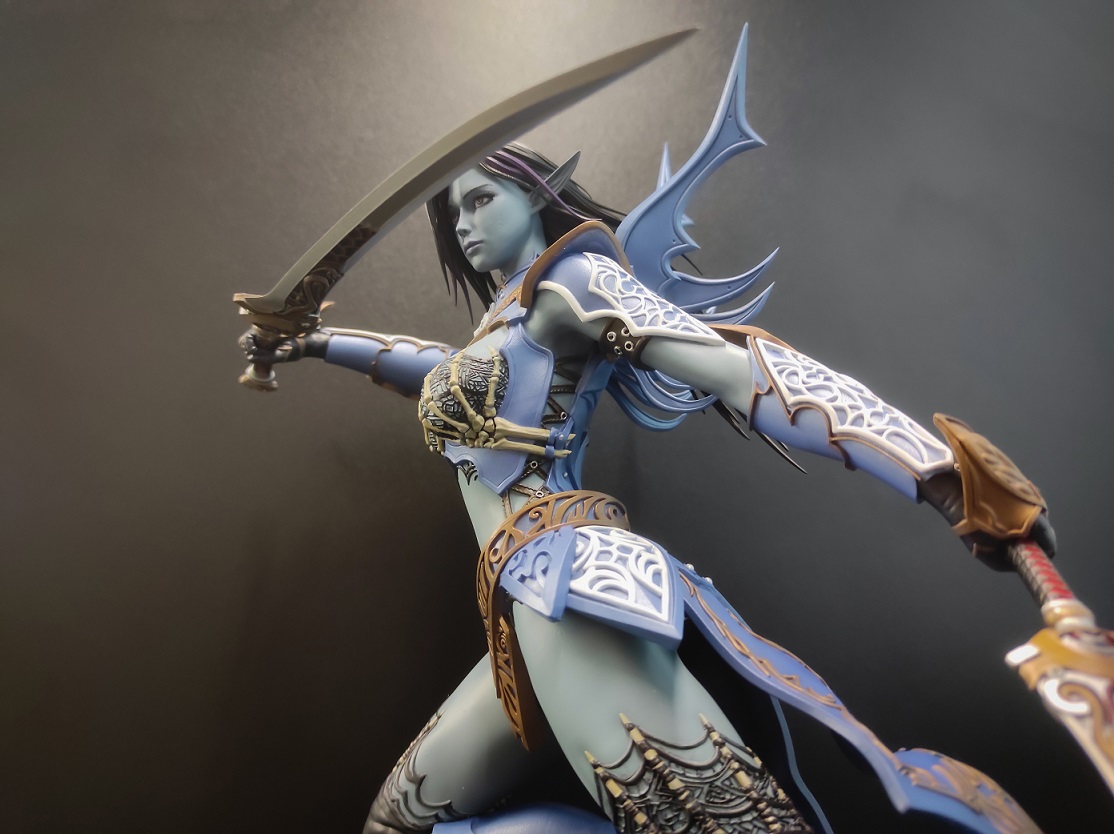
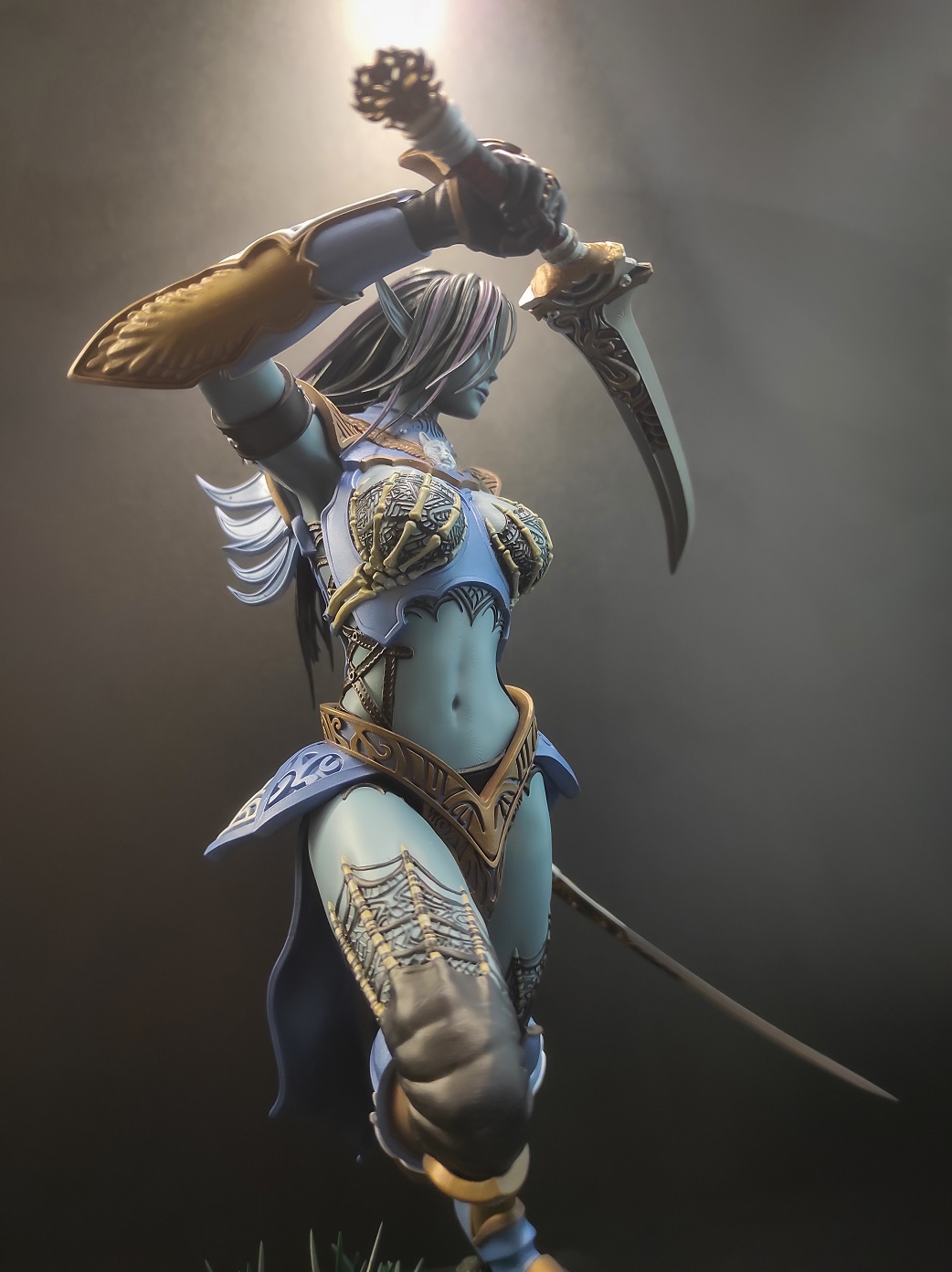
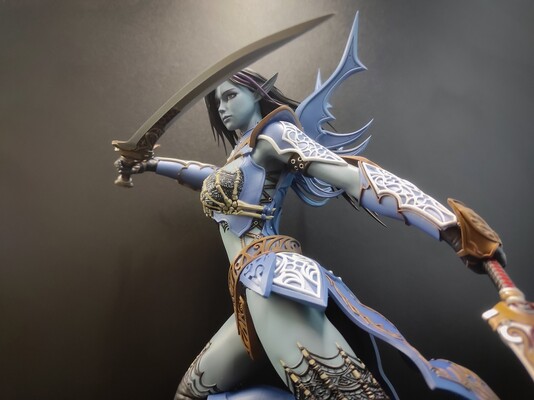
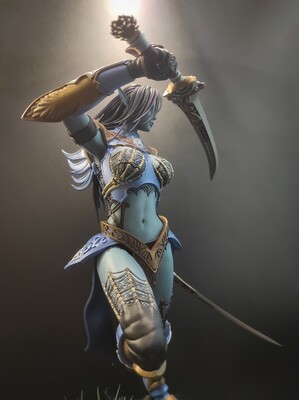
    Драсте! Хочу поделиться своей работой БэДэха в БВх и с СЛСами Лепил в Zbrush, печатаю на фотополимерном принтере, крашу акрилом
Account

Navigation

Поиск

Поиск

Configure browser push notifications

Chrome (Android)
  1. Tap the lock icon next to the address bar.
  2. Tap Permissions → Notifications.
  3. Adjust your preference.
Chrome (Desktop)
  1. Click the padlock icon in the address bar.
  2. Select Site settings.
  3. Find Notifications and adjust your preference.