nikozq
Пользователи
-
Зарегистрирован
-
Посещение
-
So, I've reаd some forums and as I see in official server update notes, Titans should be able to get Rush Impact on lvl 83 from the NPC which teaches you skills.. Well I'm 83 lvl Titan and I don't have this skill offered to learn by any prefect NPC.. So, my questions are: Is this some kind of bug, and if it is, when it will be fixed? Am I wrong somewhere, and if I am, what am I missing? Thanks in advance. Server: Ember x10 In-game nick: StrengthAndHonor
-
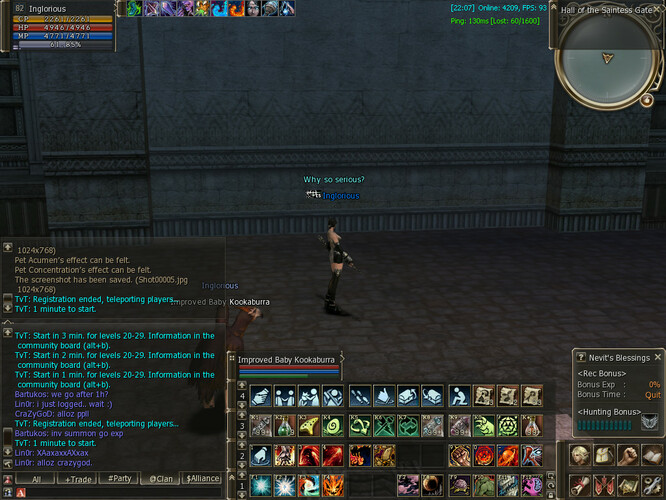
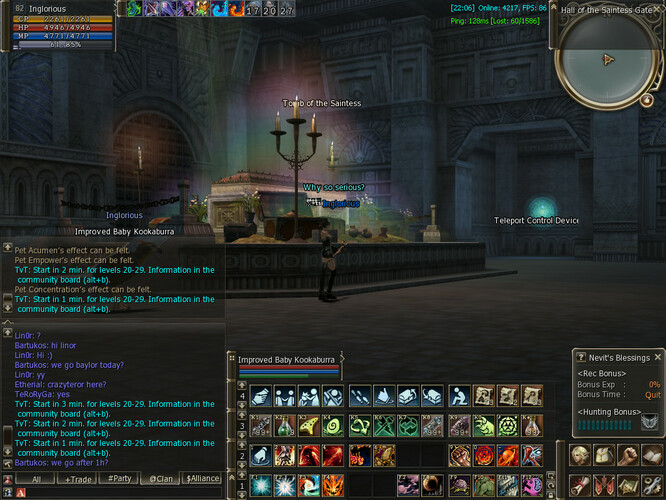
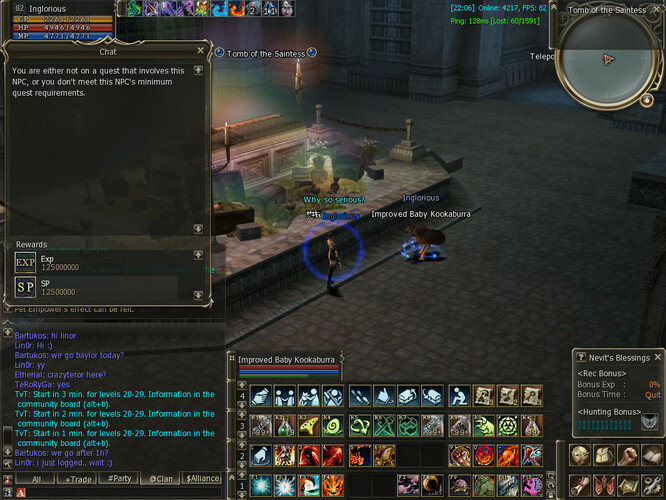
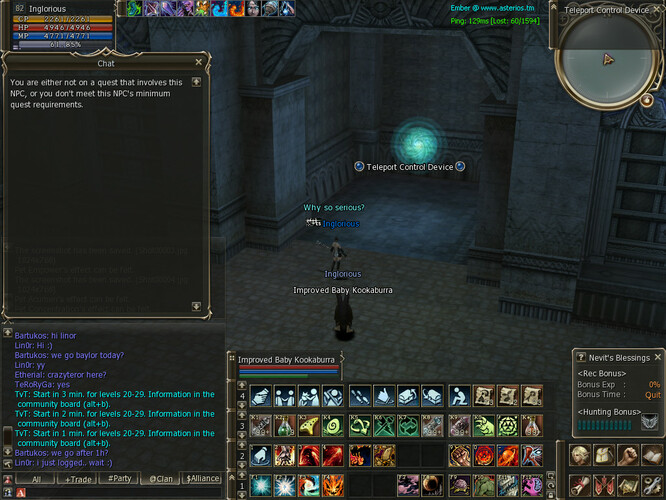
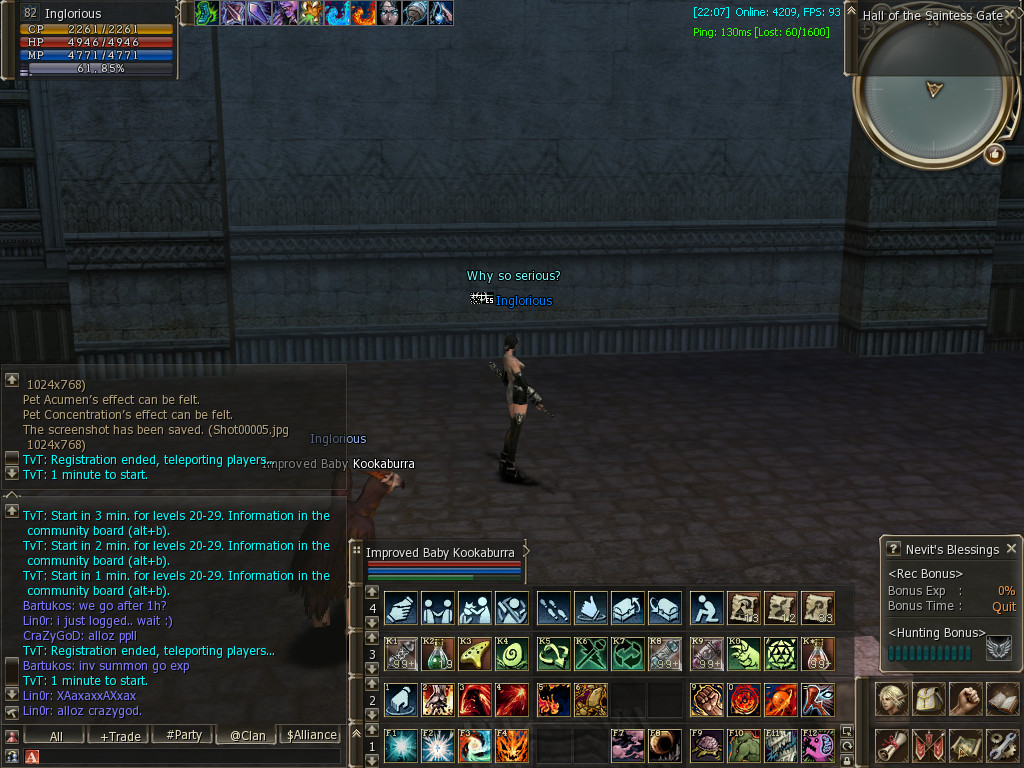
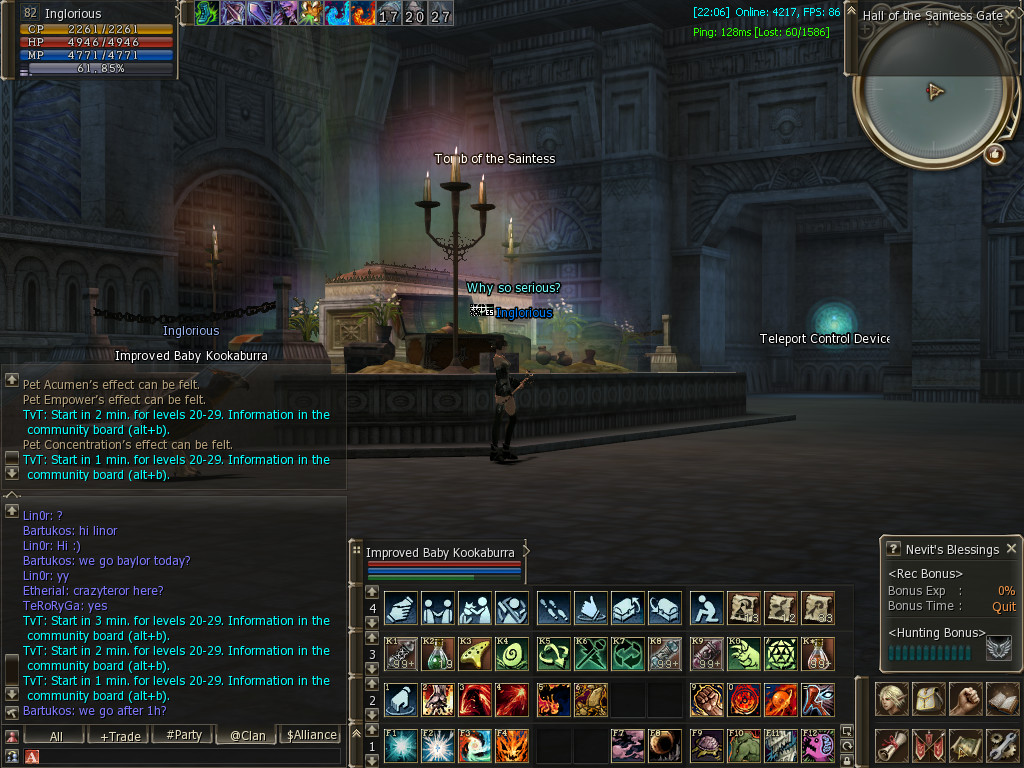
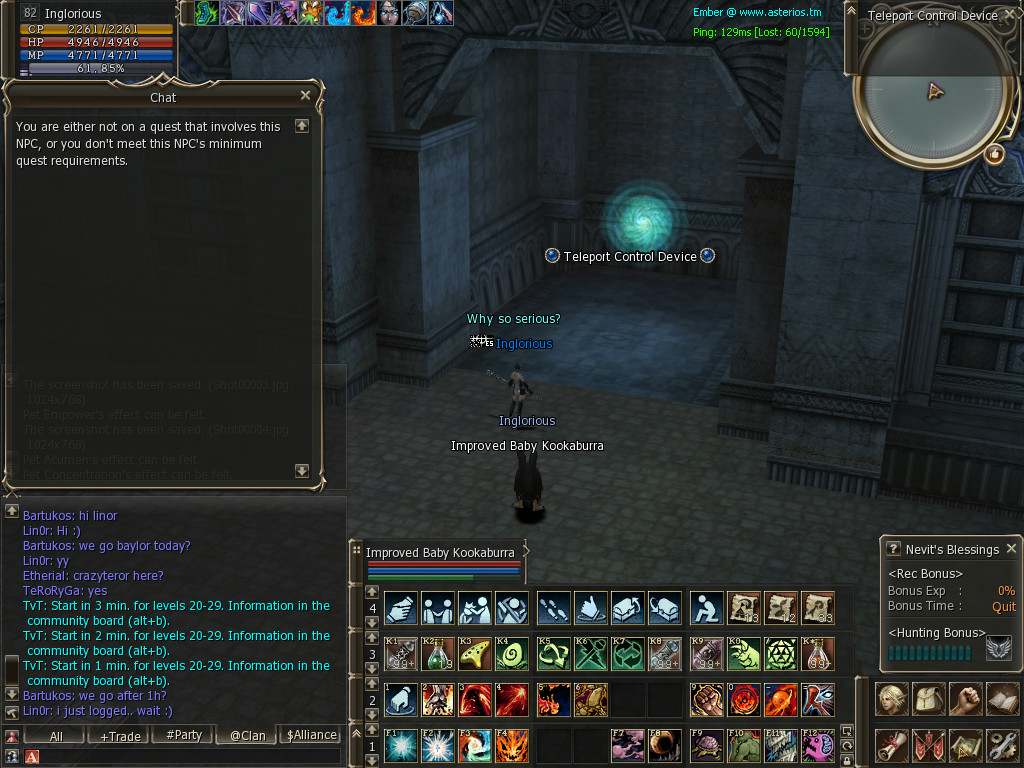
Hello. I've got totally bugged on this quest.. So, I've done everything right, acquired the four items, disabled the devices and killed the guardians. When I entered the tomb of Solina and interacted with the sarcophagus, it "said" that it's the fake tomb of Solina and a dozen of mobs jumped on me and killed me for seconds.. So when I reentered the place the guardians and the four relics were there again, but when I try to pick up a relic it says, I don't meet the NPC's requirements for the quest. I am able to teleport in the sarcophagus room but the mobs are gone, and i get the same message when I try to interact with either the sarcophagus or the Teleport Control Device, and all doors are closed. So I'm stuck on this.. I can SOE of course, but i can't proceed with the quest.. I hope this to be fixed as soon as possible. Server: Ember x10 In-game nickname: Inglorious Thanks!